

Once you have grown you community and started getting a considerable amount of traffic to your network, why not monetize it? You can run ads from an external ad provider, such as Yahoo! Publisher or Google AdSense to generate ad revenue using your Ning Network.
Setup your AdSense account
Setting up for Google AdSense is quite easy:
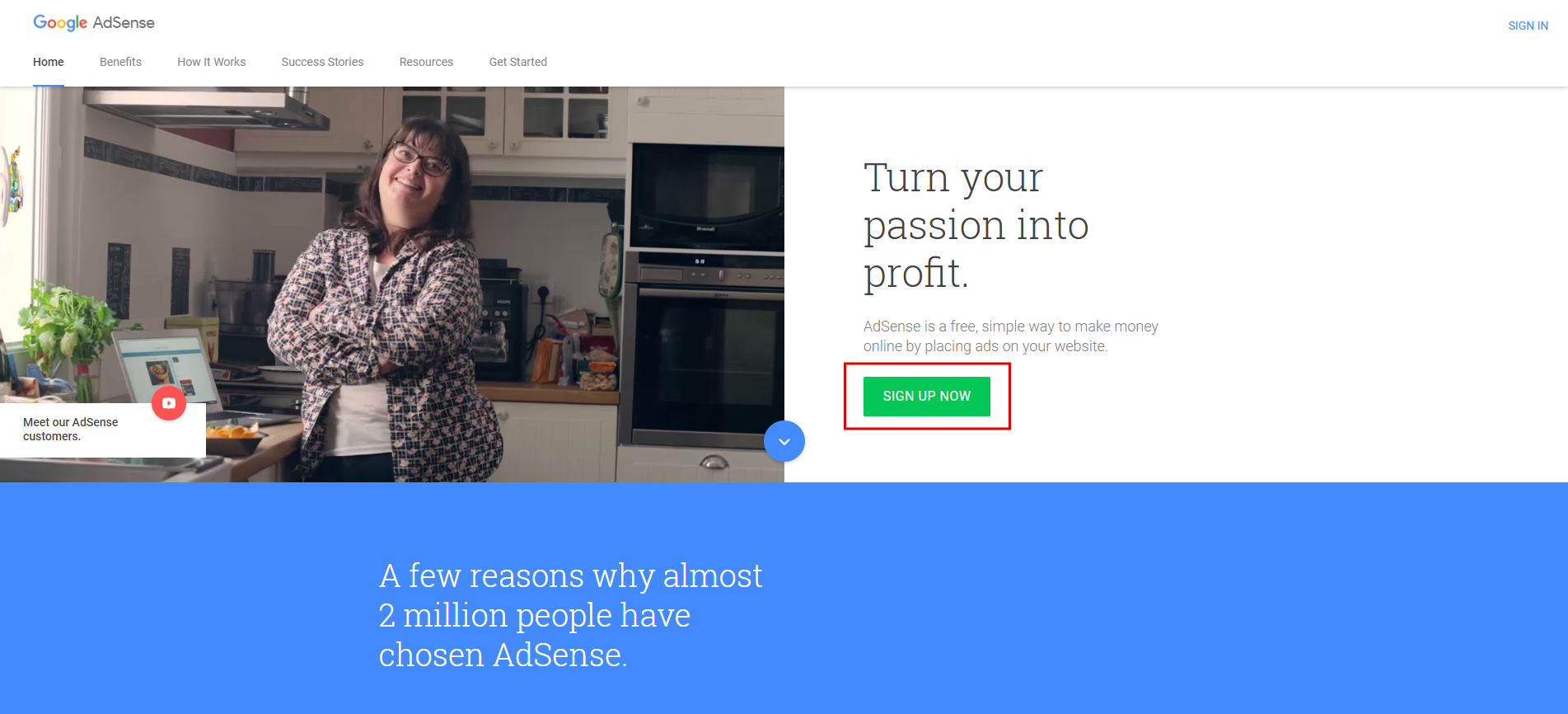
- Go to the Google AdSense homepage and click the “Sign up now” button.
- Choose the account which you will use to access Google AdSense. If you do not have an account with Google services yet, you will need to go through a quick registration process.
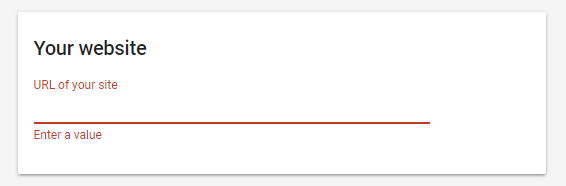
- In the first box, enter your Ning Network’s URL – such as example.com. Please note that this URL must not have a path (example.com/path) or subdomain (subdomain.example.com). This means that you need to get a custom domain for your network so you can use Google AdSense.
Find out more about getting a custom domain for your Ning network in this article (link).
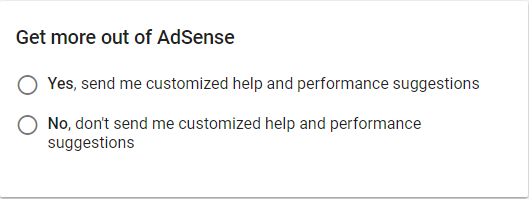
- Next, you need to choose whether you want any help and performance suggestions from Google AdSense. If you are new to this system, we suggest you enable this option.
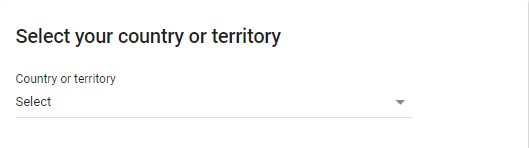
- Upon that, choose your country from the drop-down list.
- Finally, accept the Terms of Service, and click ‘Create account.’
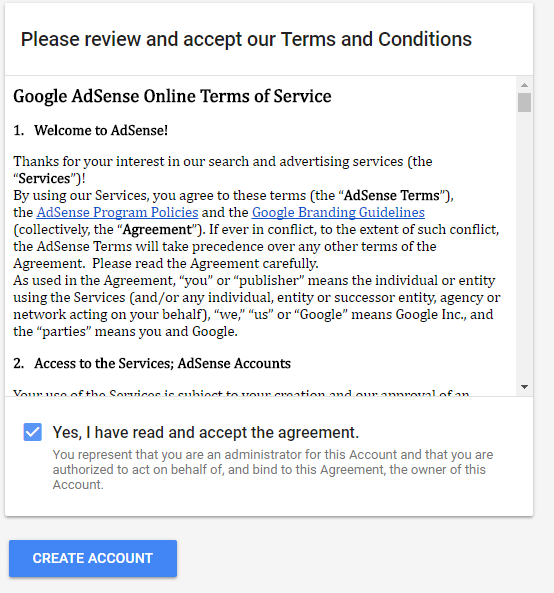
You will then be forwarded to your AdSense homepage. To proceed, you will need to specify a bit more information.
Add the AdSense HTML code to your network
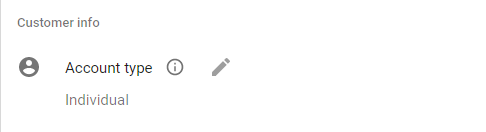
- Start off by choosing the type of account – Individual or Business.
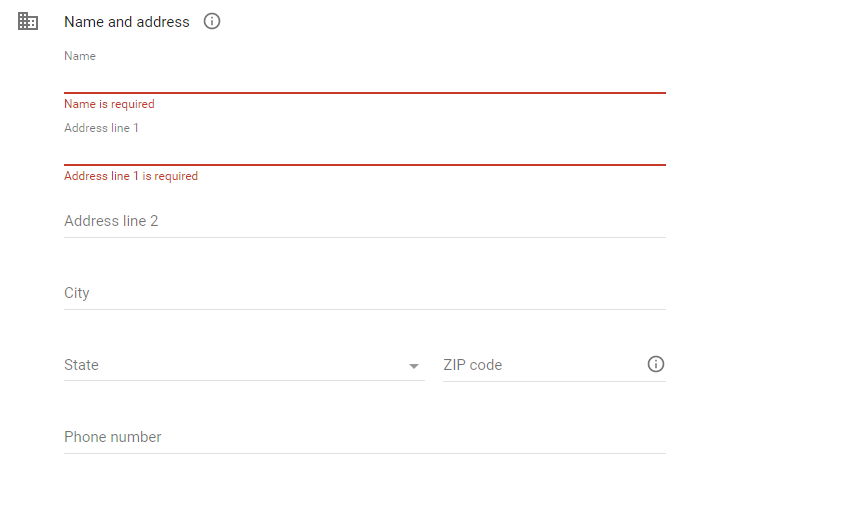
- Then, fill in your name, address, and phone number for Google to ensure you receive your payment, and click ‘Submit.’
- You will then see a message on your homepage, asking you to connect your website to AdSense.
To do this, you will need to copy and paste the code given in the HTML box on your network.
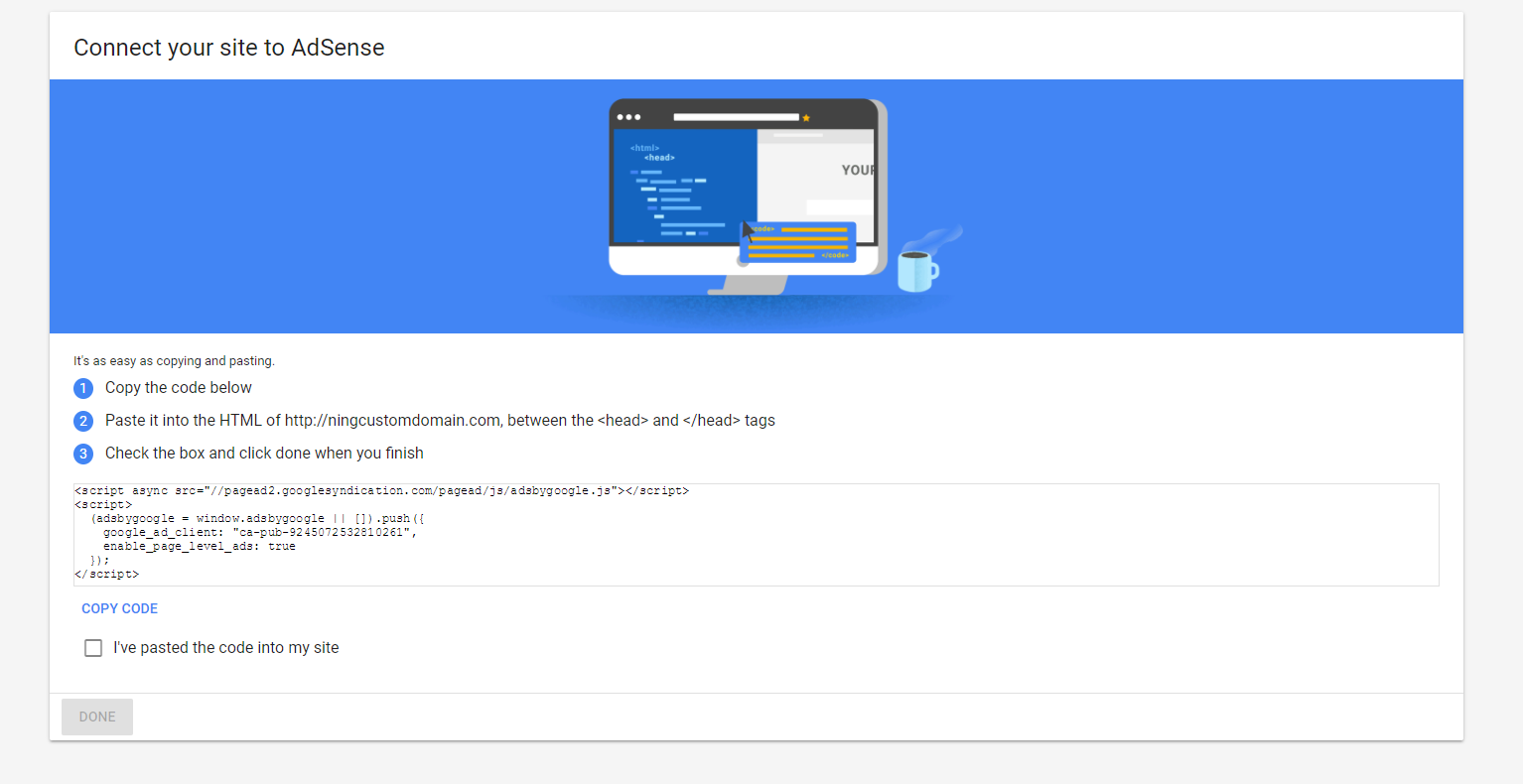
Go to Social Site Manager -> Custom Code, and paste the AdSense code in the ‘Head’ or ‘End of page’ code block. Then click ‘Save.’
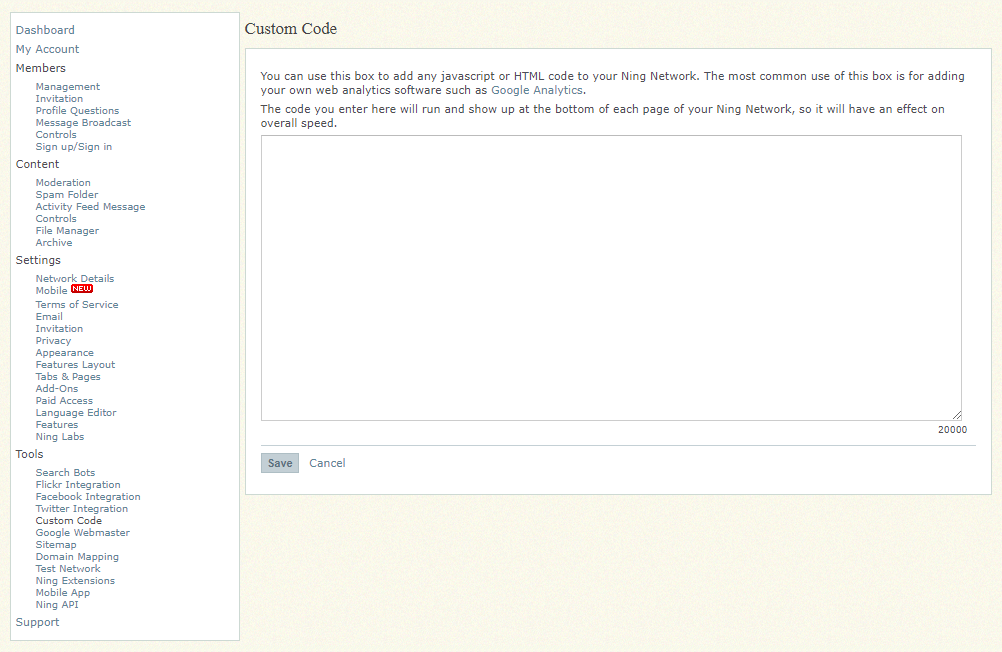
NB: At this stage, you don’t need to add the code to each and every block on your website, where you’d like to see the ads. You can always add ad blocks later, or change the display of ads.
- It may take up to 3 days for your account to be activated. Once you receive an email from Google AdSense saying Congratulations!, your account has been activated and you can proceed with the next step.
Setting up ads in your AdSense account
Once you receive the email informing you that your account has been activated, it is time to make all the necessary tweaks in your Google AdSense account.
- Login to your account in Google AdSense – https://www.google.com/adsense
- Once there, you will see the following interface. Click ‘Set up ads’.
- You will be forwarded to the ‘Page Level Ads’ page. On this page, you will see the ad types that are available for display in your network.
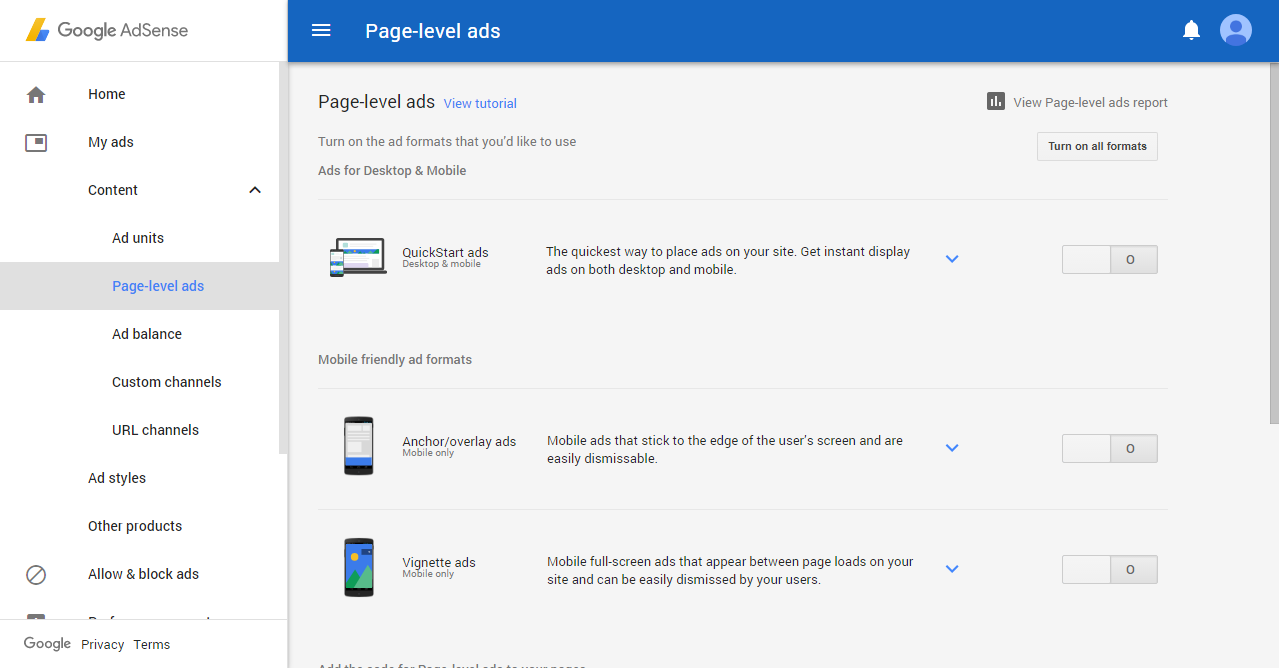
- Please select the needed ad formats. To enable ads display, simply click on the switcher on the right.
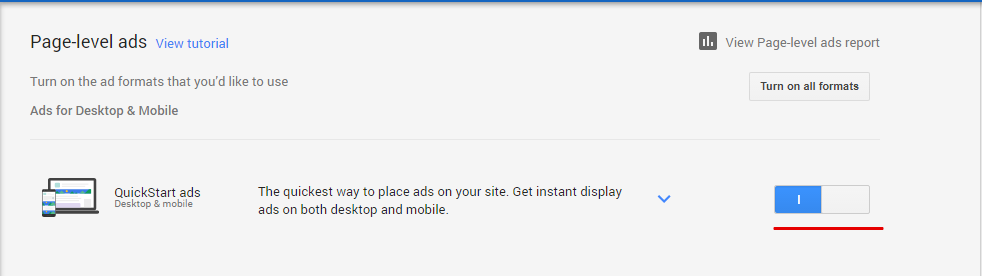
- Now that you’ve enabled the ad formats that you need, it is time to adjust the look of the ads that will be displayed. Please choose ‘Ad Units’ section from the menu on the left.
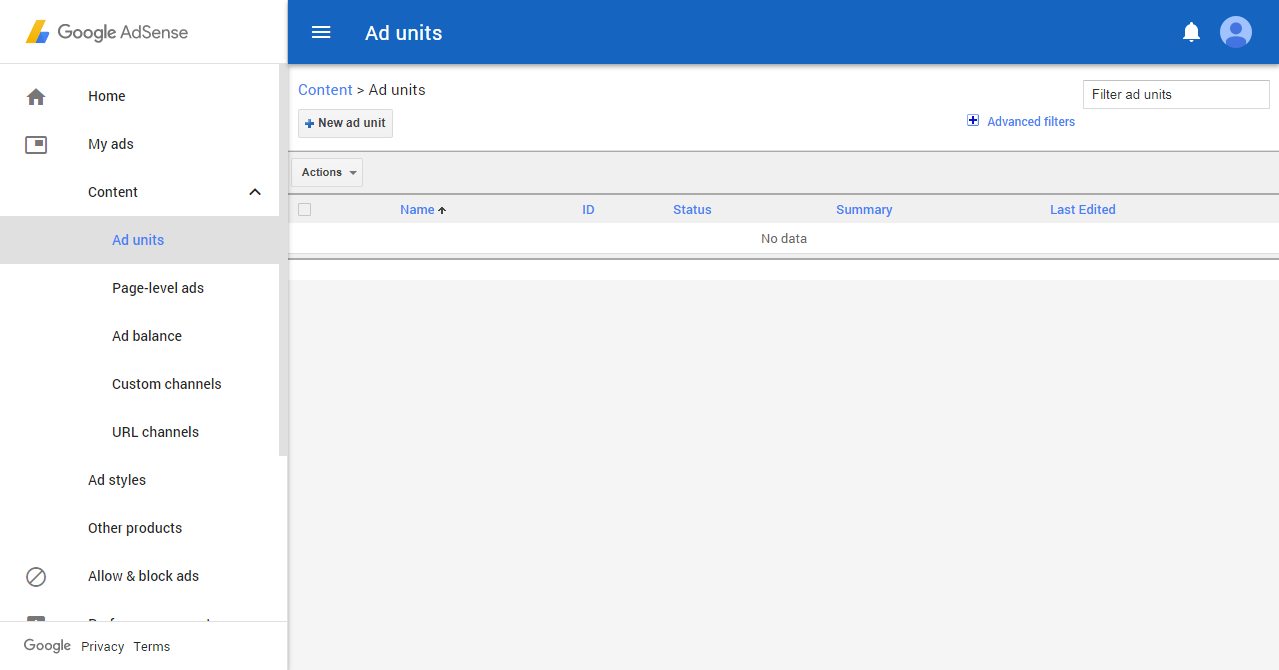
- On the ‘Ad Units’ page, you will see all ad units that you have added to your website. You can have as many ad units as you’d like.
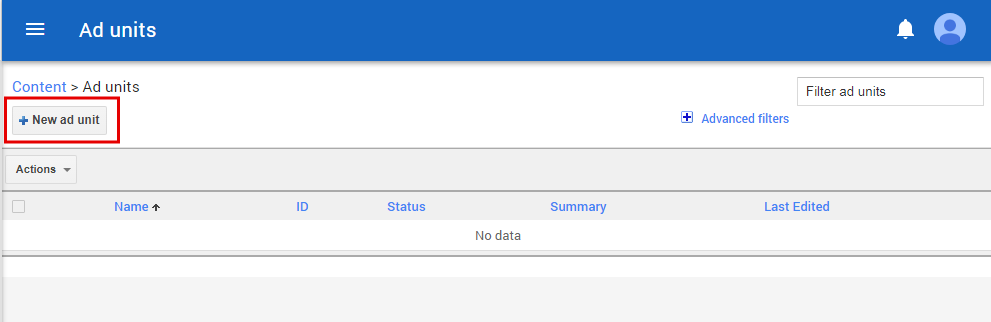
- Click the ‘+New Ad Unit’ button to add a new ad to your website.
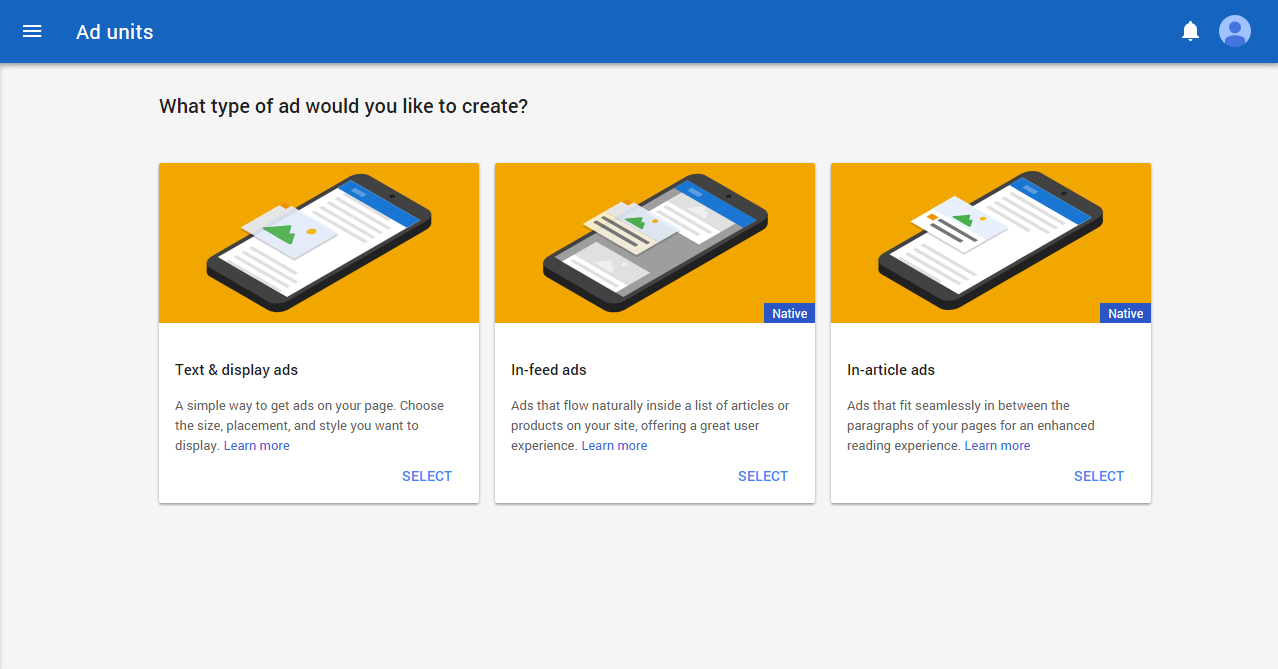
- You will then be asked to choose the type of ads that will be displayed in your network.
- Make the necessary adjustments to each ad unit that will be displayed on your network pages. First, type the name for your ad unit.
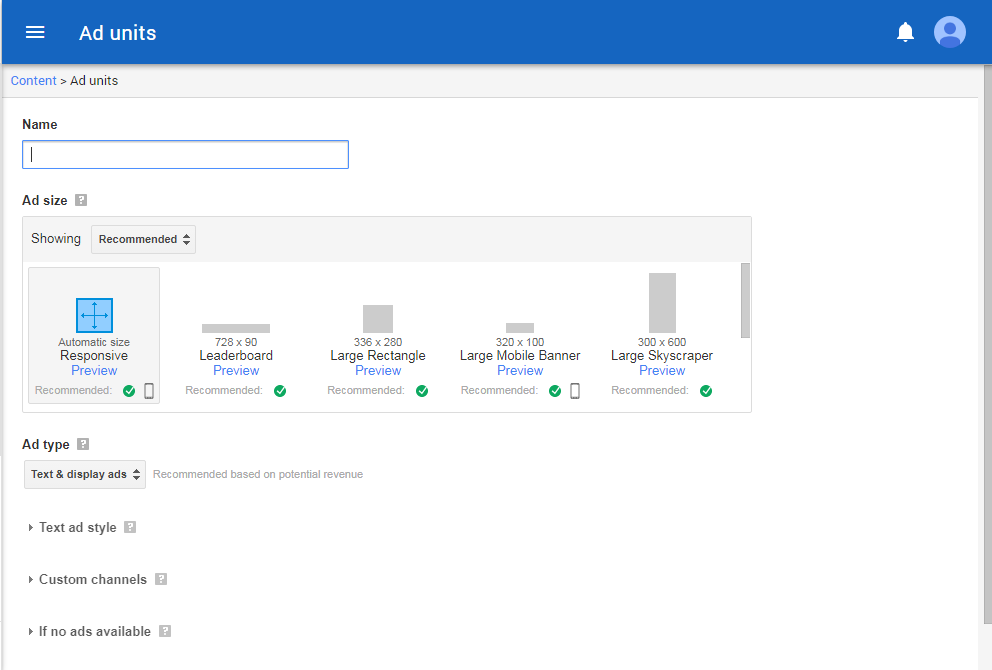
You can then set up:
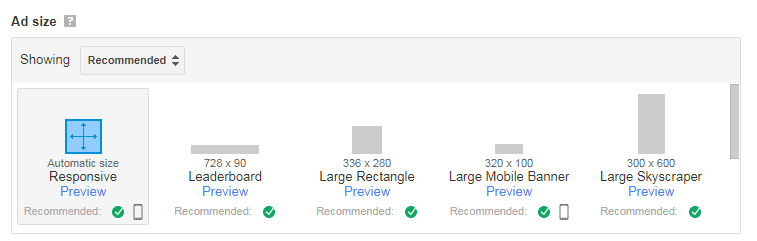
- the size of the ad from the menu
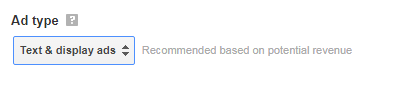
- ad type (text or display ads)
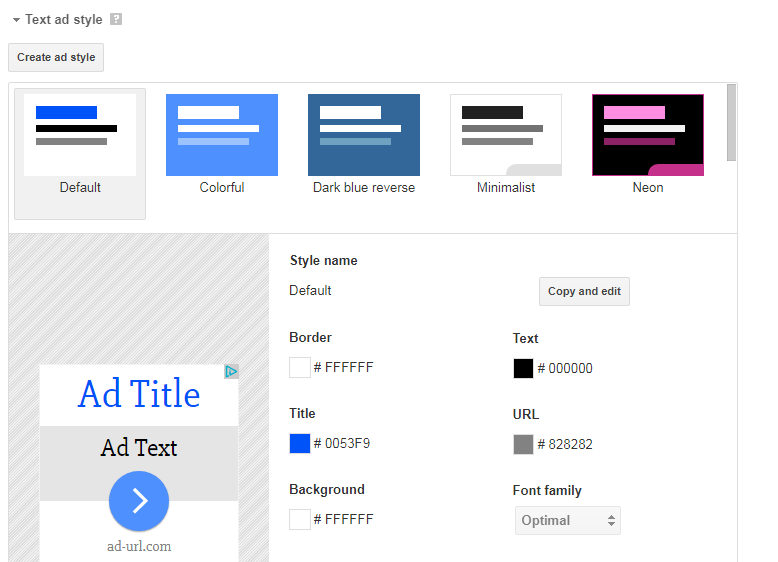
- the style of the text ads
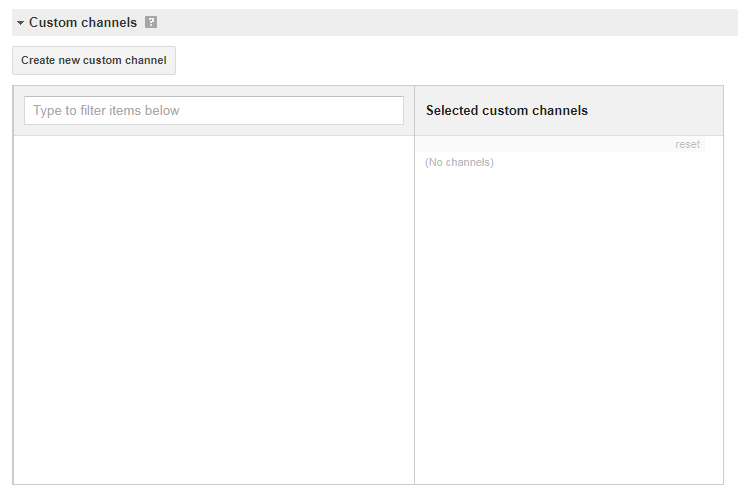
- new custom channels (groups of ad units organized by size or location on a page)
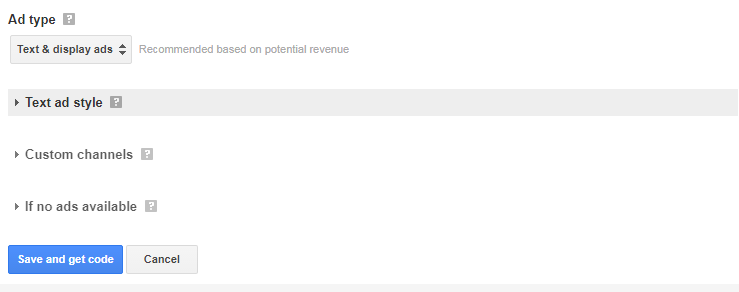
- the appearance of the empty ad block

- When finished, click ‘Save and get code’.
There are multiple places you can paste this code in your network – it all depends on where you would like to see the ads. Technically, Ning allows you to paste ads into any block that allows you to enter HTML code – even into blog posts, if you’d like. Below, we will go through the most common locations for ad blocks, that ensure maximum ad visibility and performance.
- Instant Ad Box
On your Features Layout page you will see the location of Instant Ad Boxes or enable/disable some of them.
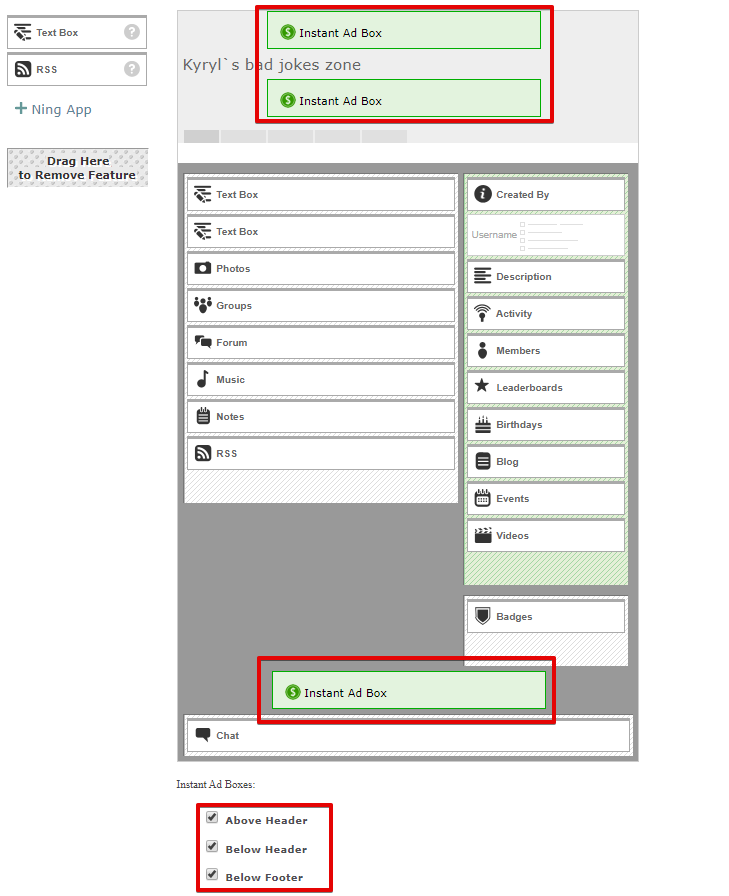
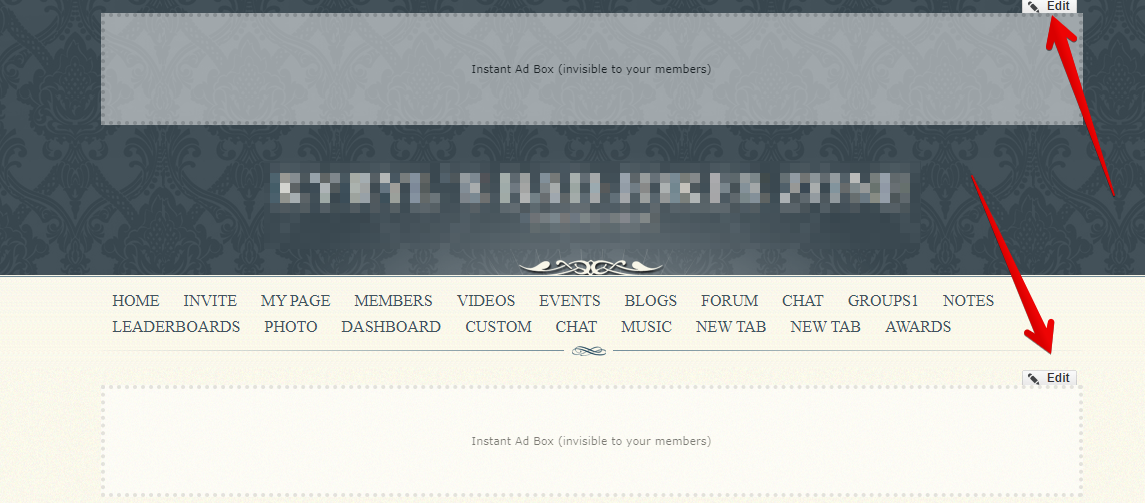
In order to insert the code, go to your Home page, select the box you need, and click on the Edit button. Switch to the HTML mode and paste the AdSense code in the text block.
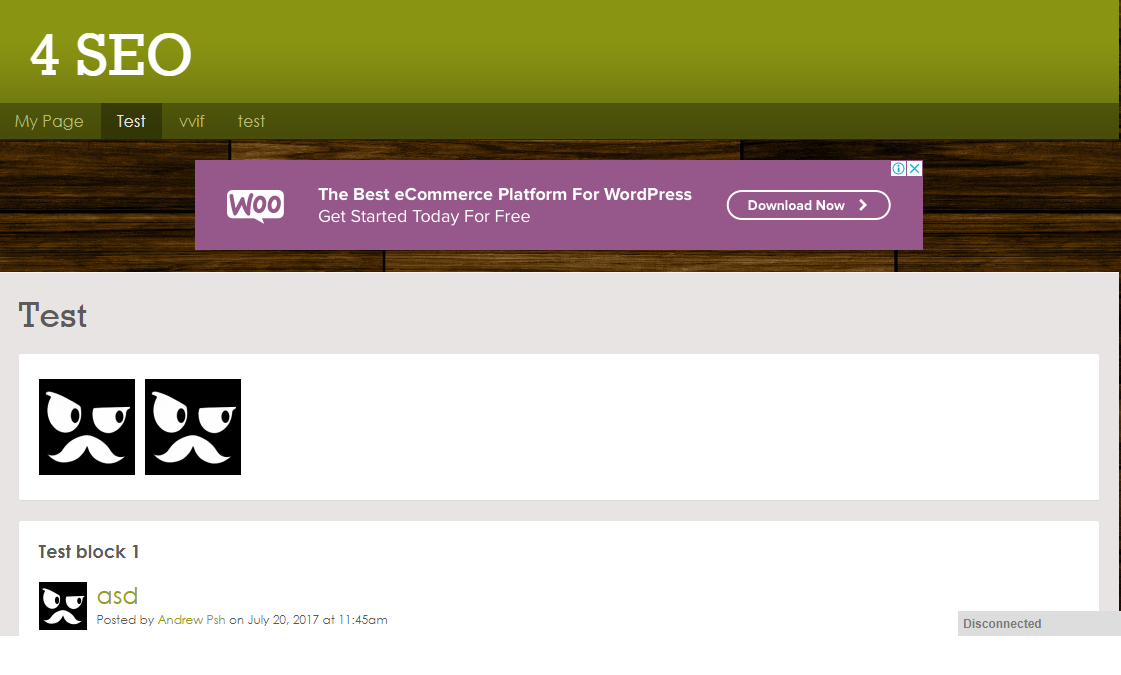
Voilà – all set! You should now be able to see the ads on your website!
 facebook
  twitter